A family locator app answers one question all day long: where is everyone? Plenty of them are free to download. Fewer stay free once you want the features that matter most.
Here is what to check before your family settles on one.
What a family locator app does
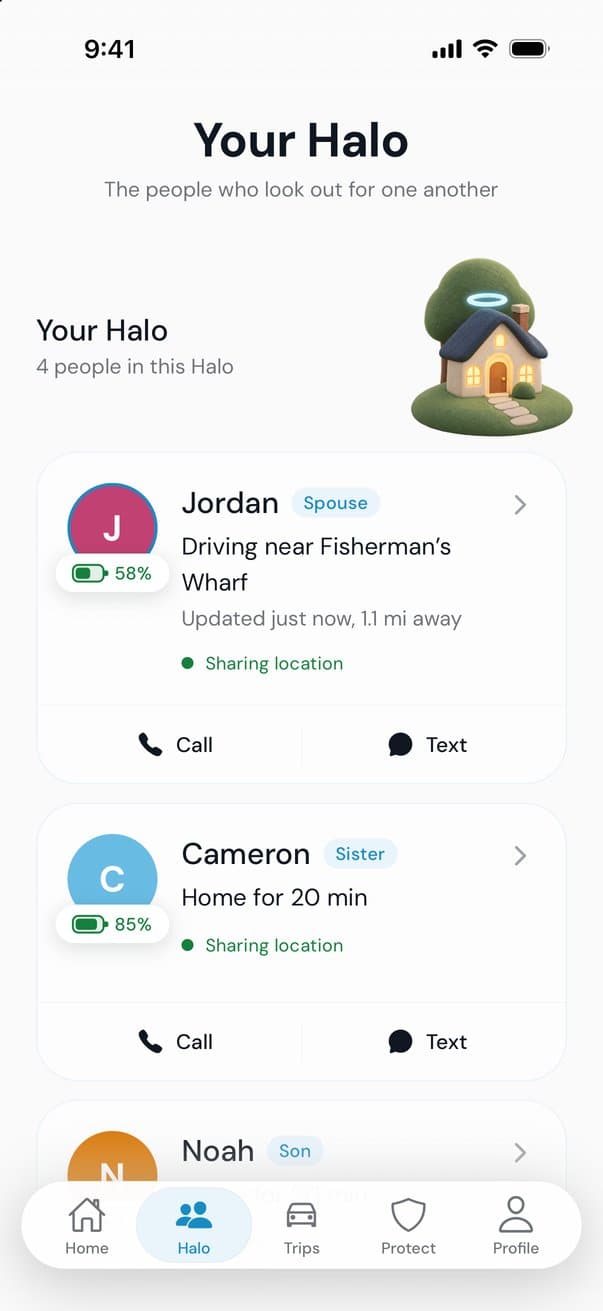
- One shared mapThe people you invite, updated in the background.
- A simple statusDriving, arrived or home, at a glance.
- Battery levelSo a dead phone doesn’t look like an emergency.
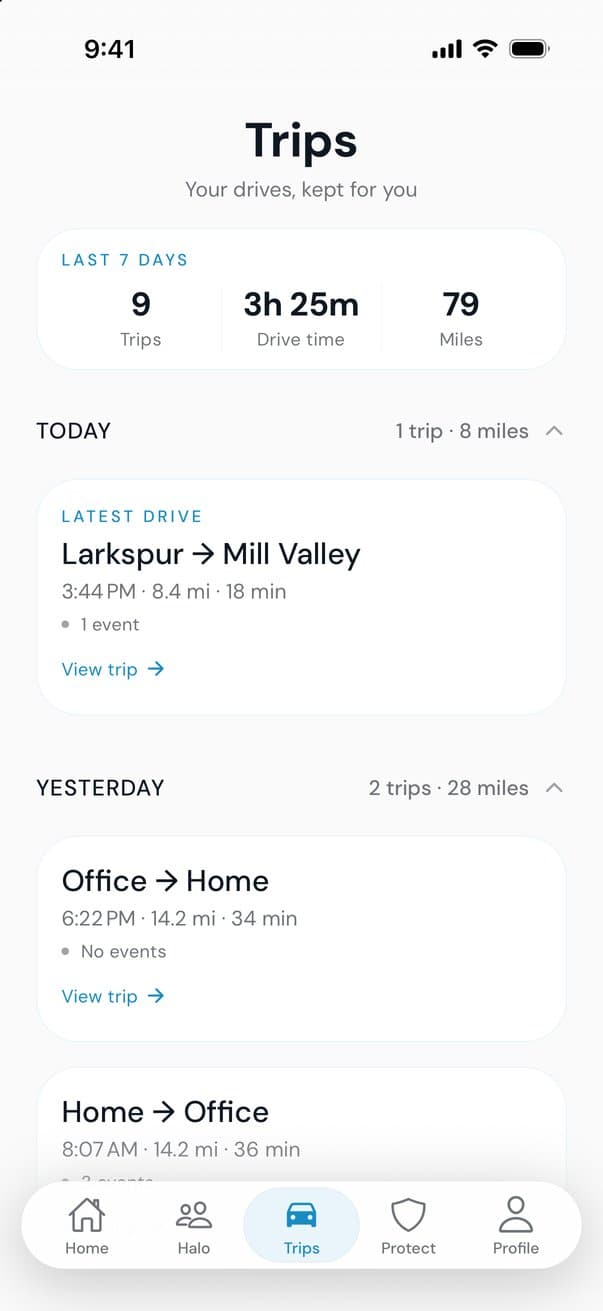
- Drive historySo “when did you leave?” has an answer.
- Help on the roadSomething useful when a drive goes wrong.
What free should include
“Free” means different things on different apps. A free plan worth keeping covers the basics for everyone in the family, not just two people.
How free apps pay for themselves
Every app has a business model. Knowing it tells you what the app is really built to do.
- SubscriptionsThe free plan is a trial in disguise, and the features you care about sit behind a monthly fee.
- AdvertisingYour attention, and sometimes your location, is the product.
- Data salesLocation and driving data can be sold to data brokers or shared with insurers.
- SponsorshipA business sponsors the app so it stays free for families, with limits on what that sponsor can see.
If you can’t tell which model an app uses, read its privacy policy before you read its reviews.
Privacy questions worth asking
- Who can see me? Only people I invite, or anyone with a link?
- Can I pause sharing when I want to?
- Is my location sold or shared with data brokers or insurers?
- Can I delete my account and my data, even without the app?
Battery and background location
A locator can only update the map if it’s allowed to run in the background. On iPhone that means choosing “Always” for location, and on Android allowing location “all the time.” Good apps lean on the phone’s motion sensors to wake up GPS only when someone is moving, which saves battery.
Low Power Mode and aggressive battery savers can slow updates. If one person always looks out of date, check their settings first.
Where AngelDrive fits
AngelDrive is FREE for everyone you add: no subscription, no per-person fee, nothing to cancel. A law firm sponsors it. The firm never sees your location, trips or Halo, and AngelDrive never sells your data or shares it with insurers.
Your Halo is invite-only, and you can pause sharing anytime. Every drive saves on its own, and if AngelDrive notices signs of a possible crash, it checks in with you first and opens a step-by-step crash guide if you need it.
More guides
Teen drivers
Teen driver apps for parents: what to look for
What a good teen driver app does, the questions to ask before you install one, and how to set it up with your teen so it helps instead of hovers.
After a crash
What to do in the first 10 minutes after a car accident
A calm, minute-by-minute list for the first 10 minutes after a crash: check for injuries, get safe, call for help, exchange information and take photos.
Driving
What a drive score measures, and what it doesn’t
Driving apps score each trip out of 100. Here is what goes into a drive score (speed, smoothness and phone use), what it can’t see, and how to raise yours.