Many driving apps give each trip a score out of 100. The number is only useful if you know what goes into it, and what it leaves out.
Here is how drive scores generally work, using AngelDrive’s trip score as the example.
What most drive scores look at
- Speed compared with the posted limit.
- How smoothly you brake, accelerate and turn.
- Phone use while the car is moving.
- For insurance programs, sometimes mileage and time of day as well.
Your phone’s GPS, accelerometer and gyroscope measure all of this. No device in the car is needed.
How AngelDrive’s trip score works
Your trip score reflects three main signals: speed, smoothness and phone focus. Each has its own score you can tap into in the app.
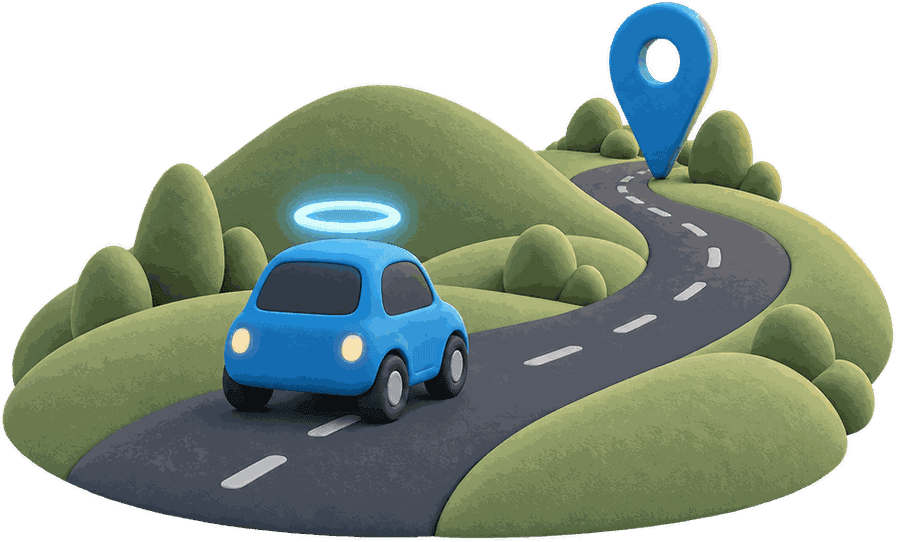
An illustration, not a real trip.
- Speed: how well you stayed at or under posted limits. There are a few mph of grace, and only meaningful time over the limit counts. Bigger, longer stretches over the limit cost more than brief ones.
- Smooth: how gently the car changes speed and direction. Hard braking, rapid acceleration and sharp turns each feed into it.
- Focus: the share of the trip you spent not handling your phone. A phone sliding around in a bag, or a stretch of speed bumps, can briefly look like handling, but Focus counts time rather than moments, so blips barely move it.
- Calls: shown on their own. Talking at speed costs something, and hands-free calling costs less than handheld.
What a drive score doesn’t tell you
- Why you braked. A hard stop for a kid chasing a ball is the right move, and it still costs points.
- Weather, traffic or road conditions you were reacting to.
- Who caused a crash. A score is coaching, not a verdict.
- Everything, every time. Phones estimate, and where the phone sits in the car matters.
Insurance programs score driving too, and their scores can change what you pay. AngelDrive’s scores never go to insurers.
How speed is counted
Speed isn’t a tally of every second over the limit. A few mph over for a moment barely registers. Staying over, especially where the limit drops, is what costs points.
- Your speed
- Posted limit
- A few mph of grace
- Counts against Speed
An illustration of how the Speed score treats time over the limit, not real trip data.
How to raise your score
Using scores with a teen driver
Look at trends, not single trips. One low score is a question to ask, not a punishment to hand out. A week of steady scores is worth saying something about.
In AngelDrive, your teen sees their own scores too, so the conversation starts from the same facts.
Where AngelDrive fits
AngelDrive is a free family safety app for iPhone and Android. Every drive saves on its own with the route, time, distance and trip score. Your Halo, the people you invite, sees who’s driving and who’s home on one map.
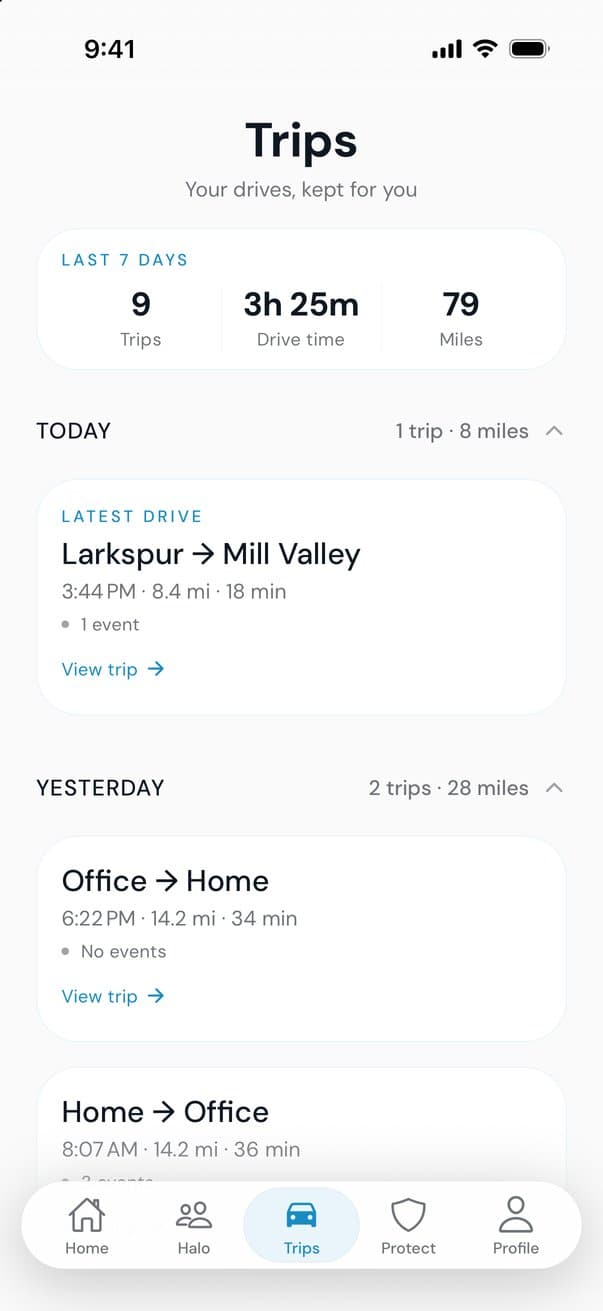
It’s free because a law firm sponsors it. The firm never sees your location or trips, and AngelDrive never sells your data or shares it with insurers.
More guides
Teen drivers
Teen driver apps for parents: what to look for
What a good teen driver app does, the questions to ask before you install one, and how to set it up with your teen so it helps instead of hovers.
Teen drivers
The new teen driver checklist
A parent’s checklist for a newly licensed teen: what to do before the first solo drive, the rules for the first six months, and habits for every drive.
Family safety
Free family locator apps: what free should include
Plenty of family locator apps are free to download. Here is what free should include, how free apps pay for themselves, and the privacy questions to ask.