Your teen just got their license. You want to know they got there, and you don’t want to text them while they’re driving to find out. A teen driver app can do both, if you pick one that fits how your family already works.
The first months matter most: newly licensed teens carry the highest crash risk of any drivers on the road (CDC).
Why the first months matter
| Drivers 20 and older | 1× |
|---|---|
| Drivers 16 to 19 | almost 3× |
Source: CDC
Inexperience is the biggest factor, and it fades with practice. The goal for the first year is more miles in easier conditions, and a habit of talking about drives.
Start with what you actually want to know
Most parents want answers to four questions. The first two come up every day. The last two, rarely, but they’re the ones that keep you up at night.
- Did they get there?Every day, often more than once.
- Where are they right now?Every day, usually around pickups.
- How did the drive go?Weekly, as a conversation.
- Are they okay?Rarely, and it matters most.
A good app answers the daily questions without anyone picking up a phone, and has a plan for the rare one.
What a good teen driver app does
- Shows who’s driving and who’s home on one map, so nobody texts from behind the wheel. NHTSA’s advice to teens is simple: texts and calls can wait until you arrive.
- Saves every drive on its own, with the route, time and distance, so you can talk about a real drive instead of a feeling.
- Gives coaching signals your teen can see too: speeding, hard braking, phone handling. Data both of you can see starts a conversation. Data only you can see tends to start an argument.
- Checks in after a possible crash and asks the driver first. A good app is also honest that it can miss a crash and does not replace 911.
- Keeps driving data away from insurers and data brokers. Some driving apps share it. Search the privacy policy for “sell”, “share” and “insurance”.
- Doesn’t charge per person or hide safety features behind a paid tier.
Questions to ask before you install
Set it up together
An app works best as part of an agreement, not a surprise. Sit down before the first solo drive and settle a few things.
- Say why. “I want to know you got there without you texting me” lands better than “I want to watch you.”
- Agree on what you’ll look at. Arrivals every day, drives once a week, scores only to celebrate or coach.
- Agree on the phone rule. Mounted for navigation, or out of reach. Turn on the phone’s driving focus.
- Use NHTSA’s 5 to Drive rules as your baseline: no drinking and driving, buckle up every trip, put the phone down, stop speeding, and no more than one passenger.
- Revisit it at three months and six months, and loosen it as they earn it.
National Teen Driver Safety Week runs October 18 to 24, 2026. It’s a natural moment to have this talk if you haven’t yet.
Where AngelDrive fits
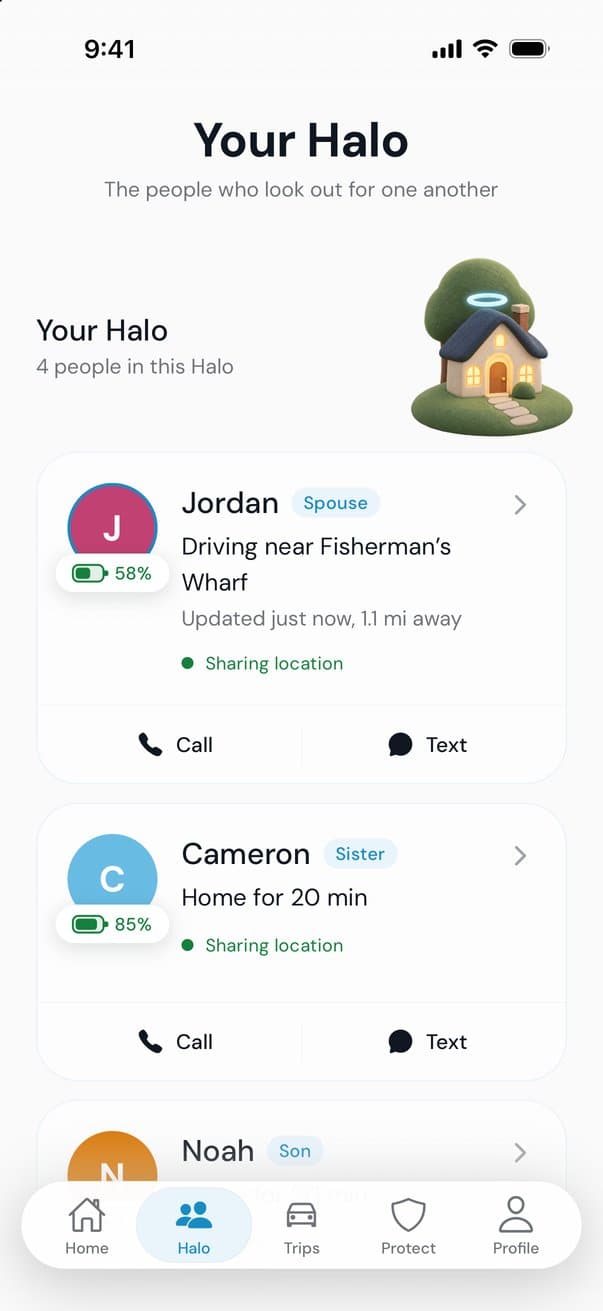
AngelDrive is a free family safety app for iPhone and Android. Your Halo is only the people you invite. You see who’s driving and who’s home on one map, with how much battery each phone has left.
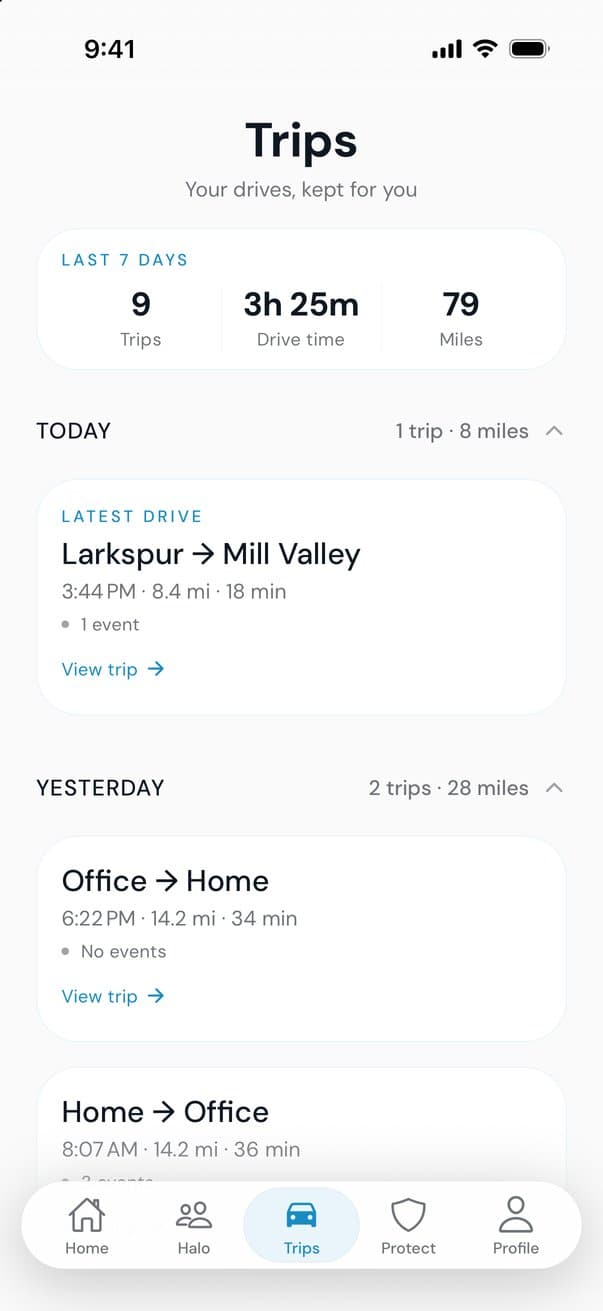
Every drive saves on its own with the route, time and distance, plus a trip score for speed, smoothness and phone focus that your teen sees too. If AngelDrive notices signs of a possible crash, it asks the driver first: “We felt that. Are you okay?”
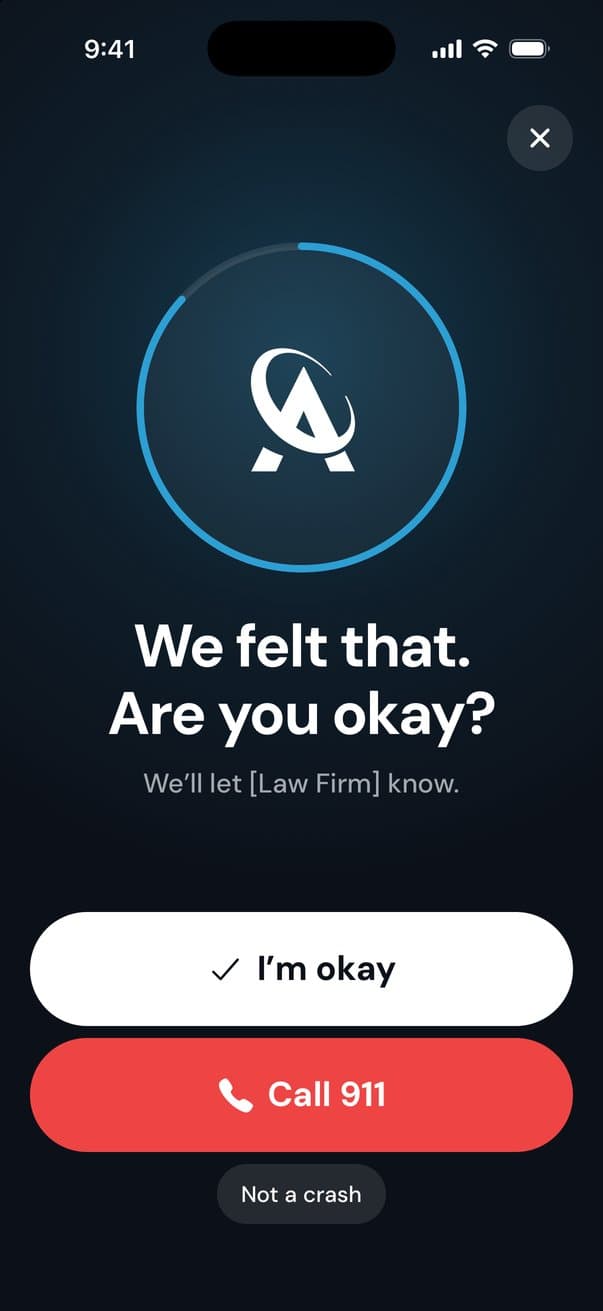
It’s free because a law firm sponsors it. The firm never sees your location or trips, and AngelDrive never sells your data or shares it with insurers. AngelDrive can miss a crash and does not contact emergency services, so 911 is still the first call in an emergency.
Sources
More guides
Teen drivers
The new teen driver checklist
A parent’s checklist for a newly licensed teen: what to do before the first solo drive, the rules for the first six months, and habits for every drive.
Driving
What a drive score measures, and what it doesn’t
Driving apps score each trip out of 100. Here is what goes into a drive score (speed, smoothness and phone use), what it can’t see, and how to raise yours.
Family safety
Free family locator apps: what free should include
Plenty of family locator apps are free to download. Here is what free should include, how free apps pay for themselves, and the privacy questions to ask.